Import & Select
Back up the shoot, compare near-duplicates and choose frames for expression, geometry, focus and timing.
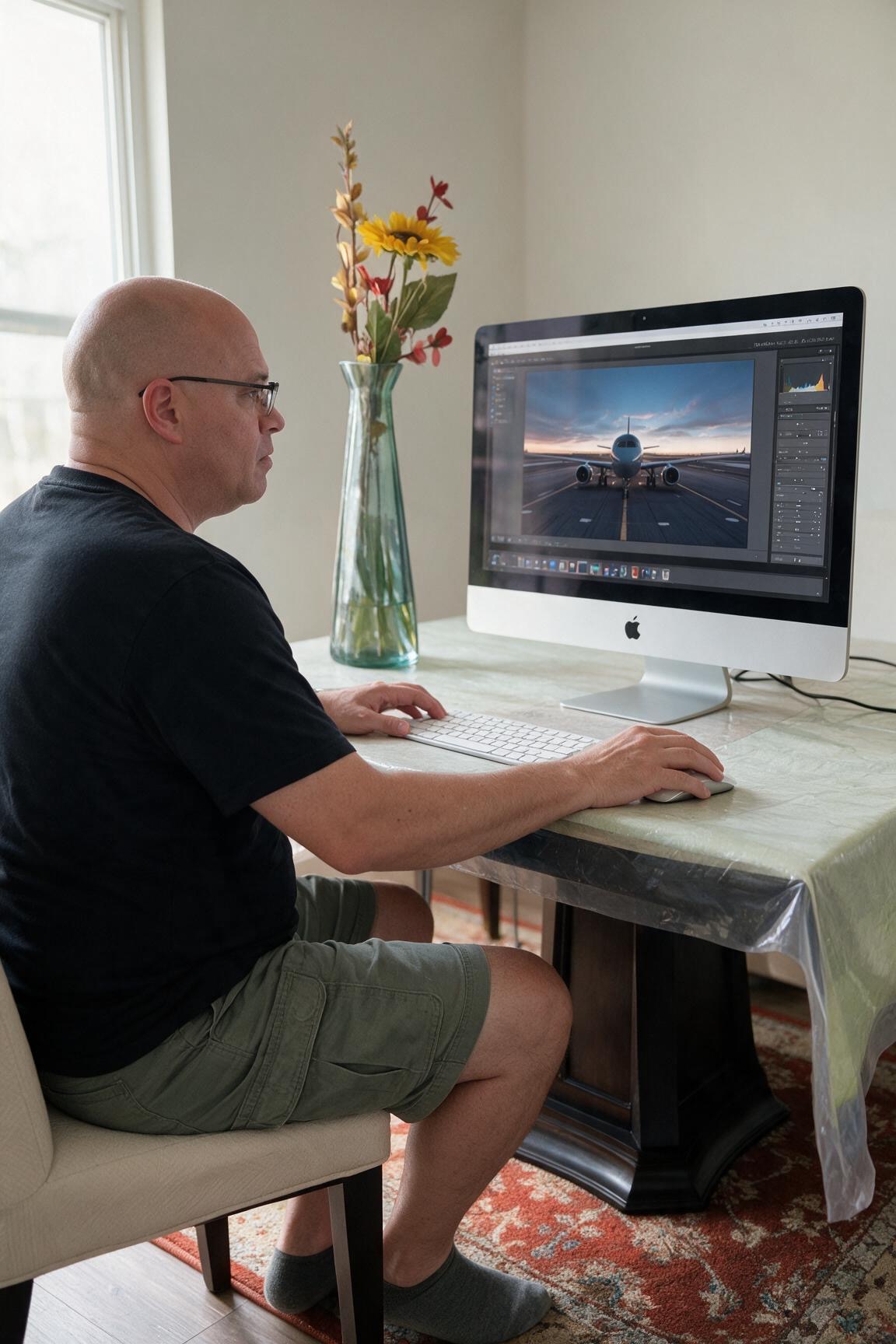
REFINE • SHAPE • PRESERVE TRUTH
AIM • FRAME • CLICK™
The photograph is not finished when the shutter closes. Editing should reveal what you saw and felt without making the aircraft lose its authenticity.
Back up the shoot, compare near-duplicates and choose frames for expression, geometry, focus and timing.
Establish exposure and white balance, recover useful tonal detail and guide attention with controlled local adjustments.
Refine color, noise and sharpening for the intended output while preserving a clean master file.
Correct obvious exposure and color issues before adding style. Aircraft paint, ramp lighting and sky color should remain believable.
Dodge and burn carefully to reinforce the light already present rather than inventing a new scene.
Use crop and perspective correction with restraint. Do not casually remove wing tips, tail surfaces or essential environmental context.
A social image, web portfolio image and large print may need different sizing and sharpening decisions.